Post/EMS tracking help
Post/EMS use a standard numbering system consisting of 2 letters + 9 digits + 2 letters. The two last letters indicates which country the shipment belongs to. Note that not all shipments use this standard. Country is selected automatically based on the number entered.
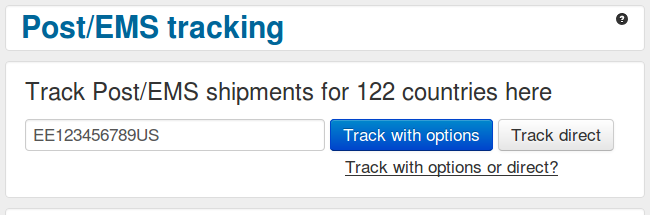
Enter number here
Click to track with the possibility to select a different country afterwards
Click to show the tracking results for the origin country without options
Result page
The "Track with options" result page has a number of options available

Country currently displayed
Click to track with the a different country
Reload, print or show without frame
Links to external tools