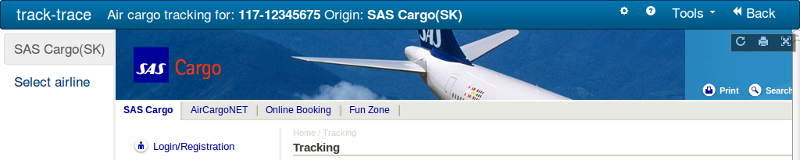
Internet Explorer has a function for privacy that can lead to problems with display of tracking results for some shippers. In short the reason is that standard configuration of these does not allow setting of cookies from third party websites when displayed in a frame.
The affected airlines are:
To make these work with track-trace one must either use "Track direct" or allow cookies as described below.
Use "Track direct"
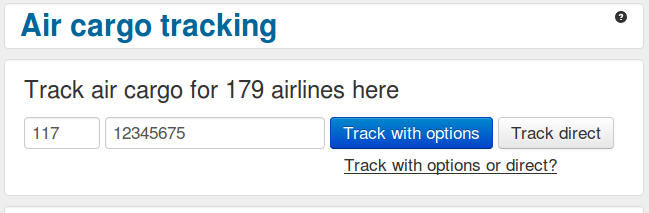
The easiest way to avoid the problem is to use the "Track direct" button. The drawback of this is that you loose the the option of tracking with other airlines when viewing the result. Also note that this button is not available at the main page, you have to use the dedicated air cargo tracking page.
Allow cookie
When the result page is displayed after clicking "Track with options", or "Track!" from the main page, an icon appears at the lower right as shown below.
![]()
Doubleclick the icon. The list below is displayed.

Find a line containing the correct domain. See the list above if you're not sure of the domain. Doubleclick this line and the window below appears.

Select the option "Allways allow this site to use cookies" and click OK.
The next time you track the result should be displayed correctly.